
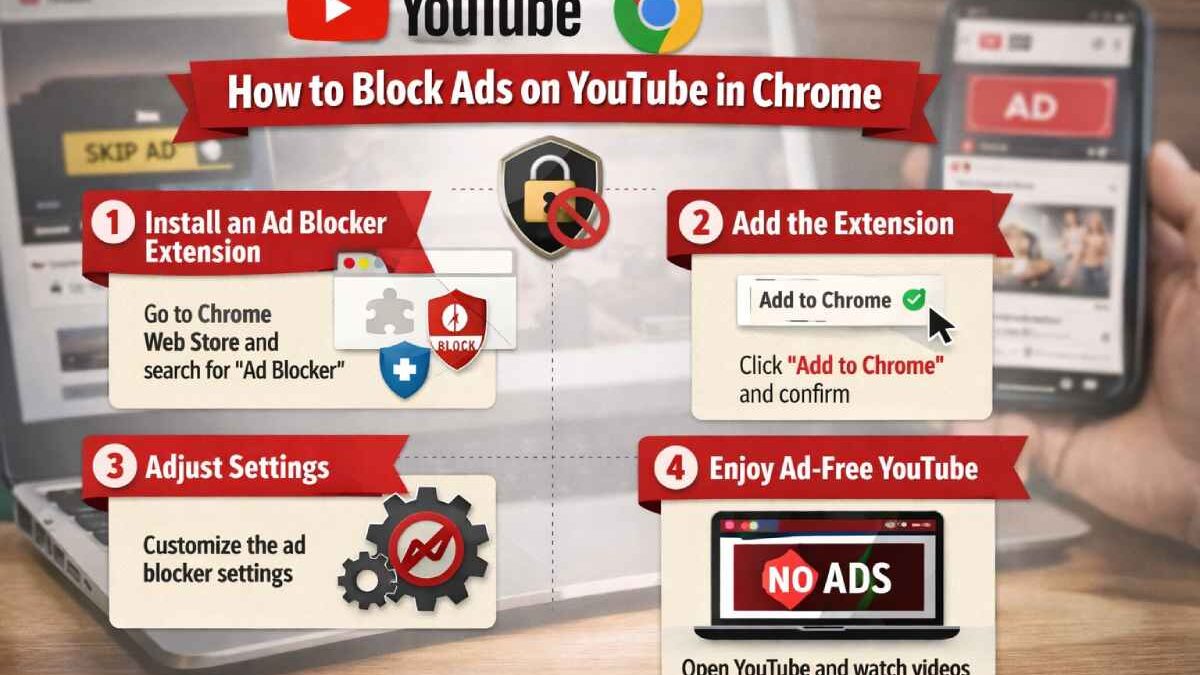
A decade ago, YouTube was a digital sanctuary for funny cat videos or rare concert recordings. Ads were rare and could be closed with a single click. Today, the platform has turned into a giant advertising machine. It often seems we are not watching videos, but rather a long commercial break occasionally interrupted by content we actually want. Constant interruptions at critical moments are annoying and a waste of time. This is why active users eventually look for a reliable ad blocker extension for YouTube so they can enjoy watching without “surprises” every five minutes.
Table of Contents
Why conventional methods of blocking ads on YouTube do not work
Many users attempt to bypass restrictions using simple methods like refreshing the page, manipulating the URL, or using built-in browser features. However, YouTube is a Google product, and since Google earns billions from advertising, they do not allow their main source of income to be ignored easily.
Recently, YouTube has started using “server insertion” for advertising. This means the commercial becomes part of the video stream itself. To your browser, the ad looks as if it is the video you wanted to watch. Simple scripts that previously just hid windows are now powerless against this integrated stream. In addition, YouTube is implementing scripts that detect ad blockers. You’ve likely seen warnings like “Ad blockers violate YouTube’s terms of service.” Conventional manual blocking methods cannot keep up with algorithm updates occurring almost weekly. Updated professional tools are needed for stable results. Relying on basic settings is no longer a viable strategy for a platform as sophisticated as modern YouTube.
What is an ad blocker extension and how does it block ads?
An ad blocker extension is an intelligent filter between your computer and YouTube servers. When you click on a video, your browser sends requests for the video itself, comments, and ads. An ad blocker analyzes these requests instantly. If it identifies a request going to an ad server, it simply “cuts the wire.” Modern extensions use huge databases called filter lists. Developers and volunteers around the world add new ad network addresses to these lists daily to stay ahead of marketing algorithms.
Blocking requests is only half the battle. The other half is cosmetic cleanup. After blocking ads, empty gray rectangles sometimes remain on the page. A good ad blocker removes them, pulling site elements together so the interface remains clean and the experience feels organic. Modern extensions work at the page code level. They can mask their presence so YouTube cannot detect them, helping you avoid messages about disabling your blocker. It is a delicate job for developers, but for users, it looks like magic: you just press “Play” and watch the video without delays.
How to install an ad blocker extension for YouTube on Chrome
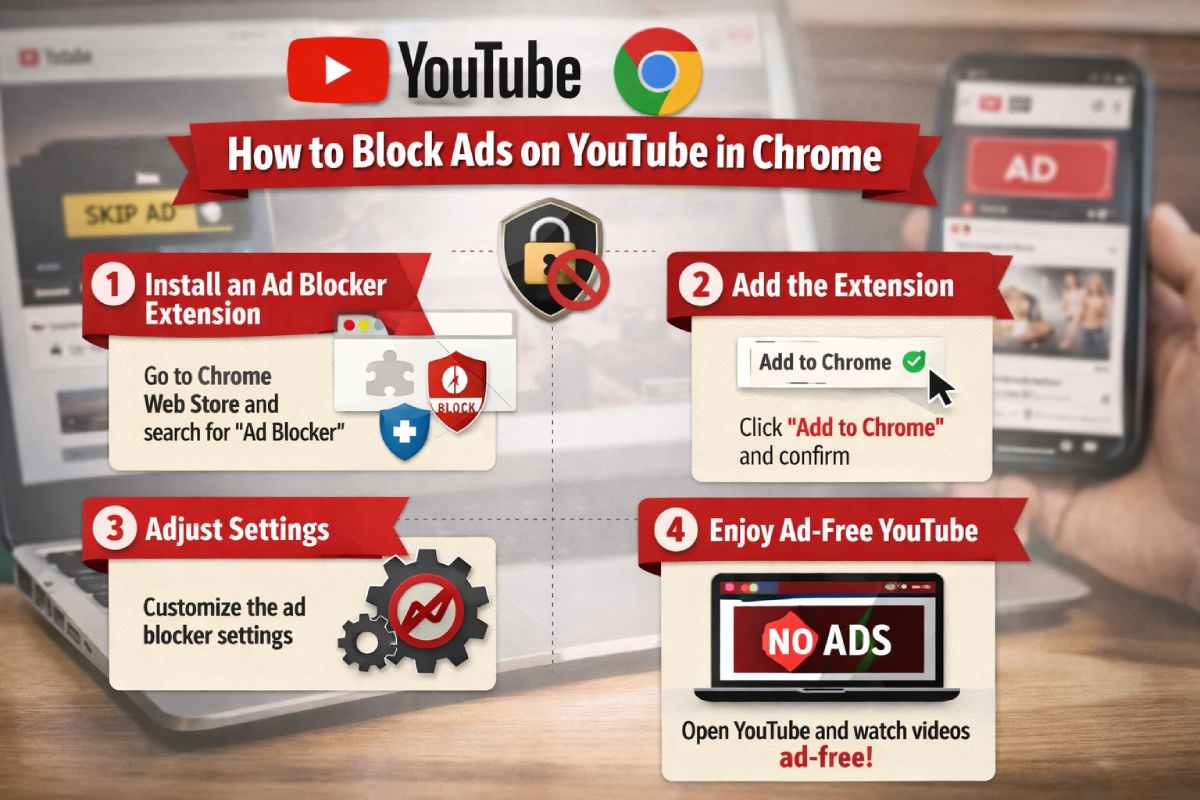
Setting up an ad blocker extension in Chrome is simple and easy. The Chrome Web Store offers a convenient interface for quickly installing add-ons. Just follow these quick and easy steps below:
- Go to Extensions: Open Chrome and click the three dots in the upper right corner. Select “Extensions,” then “Go to the Chrome Web Store.”
- Search: Enter the name of the extension, for example, Stands AdBlocker. This tool stops aggressive YouTube ads.
- Add to Chrome: Click “Add to Chrome.” The browser will ask for permission. It needs data access to remove advertising code.
- Pin the Icon: After installation, click the puzzle icon in the top bar and “pin” the extension. This shows you the number of blocked ads.
- Customize: Most tools work “out of the box,” but you can enter settings to enable tracker protection or allow ads on specific channels you want to support financially. Now open any video on YouTube. The yellow dots on the timeline marking commercial breaks will disappear.
What types of ads does the extension block?
YouTube ads come in many forms, and an effective extension handles all of them:
- Pre-rolls: Videos that appear before the main content starts, lasting from seconds to minutes.
- Mid-rolls: Advertisements inserted in the middle of a video that interrupt important moments.
- Bumper Ads: Short six-second videos that often appear in a row.
- Overlays and banners: Pop-up windows at the bottom of the player covering parts of the image or subtitles.
- Ads in search results: Paid results that appear first, often unrelated to your query.
- Home page recommendations: Promotional cards inserted between the videos you subscribe to. An ad blocker makes the page sterile. This is aesthetically pleasing and beneficial for your computer’s performance. Fewer advertising scripts mean Chrome consumes less RAM and stays snappy.
Additional benefits of Stands AdBlocker
Choosing Stands for blocking ads provides a comprehensive acceleration of your online experience. First, using an ad blocker extension significantly saves battery life. High-quality commercials overload the processor, causing laptops to discharge faster. No ads means 15-20% more battery life for your device. Second, it provides powerful privacy protection; this ad blocker extension filters out trackers that collect data about your interests for marketing. You also get “immunity” against viruses disguised as banners, known as malvertising. The “whitelist” feature allows you to restore ads on the channels of bloggers you want to support with a single click.
Is it safe and legal to use an ad blocker for YouTube?
Using ad blockers is completely legal. No country has laws prohibiting users from filtering content on their own devices. Your monitor is your private territory; you decide what to display. It is like changing the channel on a TV during a commercial. For security, choose proven solutions from the official Chrome store. Avoid little-known scripts from third-party sites. Reliable blockers only filter traffic; they do not collect personal data. While YouTube claims blocking ads is “bad” for creators, the current volume of advertising often crosses the line of reasonableness. Using an ad blocker is your way of telling corporations that you value your time and privacy more than their marketing plans.